
Signs Your Laptop Needs Professional Repair: A Complete Guide
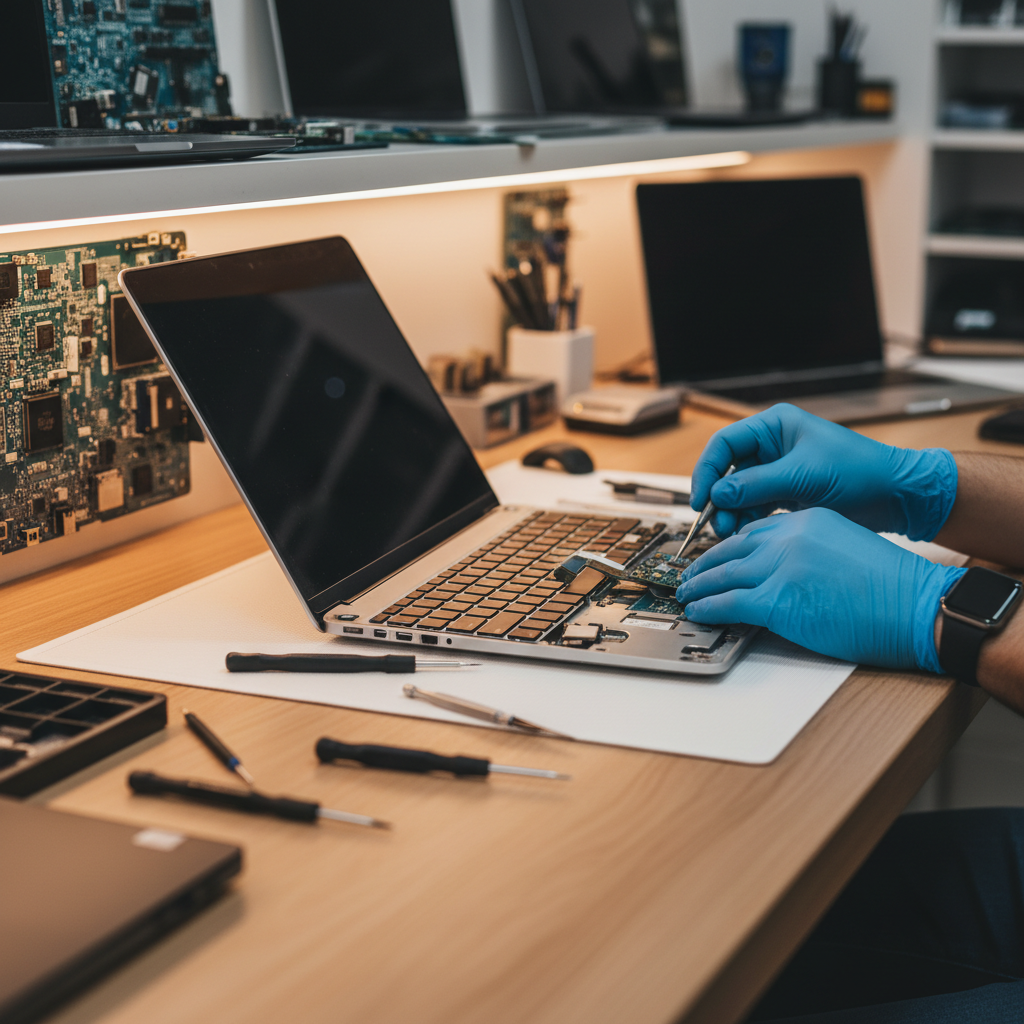
Signs Your Laptop Needs Professional Repair: A Complete Guide
Your laptop is one of your most important tools, whether for work, school, or personal use. When it starts showing signs of trouble, it's crucial to recognise when professional help is needed. In this comprehensive guide, we'll explore the warning signs that indicate your laptop requires expert attention from AlphaGeeks.
Overheating and Fan Issues
One of the most common signs that your laptop needs repair is excessive heat. If your device feels unusually hot to the touch or the fan is constantly running at high speed, this could indicate several problems:
- Dust accumulation: Over time, dust builds up inside your laptop, blocking airflow and preventing proper cooling.
- Failing fan: The cooling fan may be wearing out and unable to function efficiently.
- Thermal paste degradation: The thermal paste that transfers heat from the CPU to the heatsink may have dried out.
If left unaddressed, overheating can permanently damage your computer's components. Professional cleaning and thermal paste replacement can resolve these issues and extend your laptop's lifespan.
Performance Degradation
A sudden drop in performance is another red flag. If your laptop takes forever to boot up, applications launch slowly, or you experience frequent freezing, something is wrong. Common causes include:
- Hard drive failure: Mechanical hard drives can develop bad sectors, slowing down your system significantly.
- Insufficient RAM: Running too many applications simultaneously can exhaust your memory.
- Malware infection: Viruses and spyware consume system resources, degrading performance.
- Software bloat: Too many startup programs can slow your boot time dramatically.
Our technicians can diagnose the exact cause and recommend the best solution, whether it's upgrading components or cleaning up your system.
Strange Noises
Any unusual sounds coming from your laptop should raise concern. Common problematic noises include:
- Clicking or grinding sounds: These typically indicate hard drive failure and should be addressed immediately to prevent data loss.
- High-pitched whining: This often signals a failing fan or power supply issue.
- Beeping on startup: This could indicate RAM problems or other hardware issues.
Don't ignore these sounds—bring your laptop in for inspection as soon as possible. The longer you wait, the greater the risk of data loss or complete hardware failure.
Battery Issues
If your battery no longer holds a charge or drains extremely quickly, it's time for professional help. Modern laptop batteries degrade over time, but premature battery failure could indicate:
- Defective battery: The battery itself may be faulty and needs replacement.
- Power management issues: Software problems could be draining your battery faster than normal.
- Hardware drain: Certain components may be drawing excessive power.
Our technicians can test your battery and power system to determine if replacement is needed or if it's a software issue that can be resolved.
Screen Problems
Display issues are another common reason to seek professional repair:
- Dead pixels: Black or coloured dots that don't change.
- Screen flickering: Intermittent display issues or constant flickering.
- Cracks or physical damage: Obviously requires professional attention.
- Discolouration: Unusual colour shifts or partial display failure.
Some screen issues can be repaired, while others may require replacement. Professional diagnosis ensures you get the right solution.
Keyboard and Trackpad Failures
When keys stop responding or the trackpad becomes unresponsive, it affects your productivity significantly. These issues can result from:
- Liquid damage: Spilled drinks are a common culprit.
- Mechanical failure: Keys wear out over time, especially on frequently used keys.
- Connection issues: The keyboard ribbon cable may be disconnected or damaged.
Strange Behavior and Error Messages
If your laptop displays error messages frequently, crashes randomly, or behaves unexpectedly, professional diagnosis is essential. These symptoms could indicate:
- Operating system corruption: Your Windows or macOS installation may be damaged.
- Driver issues: Outdated or corrupted drivers can cause instability.
- Malware infection: Viruses and spyware can cause erratic behaviour.
When to Seek Professional Help
While some issues might seem minor, it's always better to err on the side of caution. At AlphaGeeks, we offer free diagnostics to identify problems and provide honest recommendations. Our experienced technicians can often fix problems quickly and affordably before they become major issues.
Remember, the longer you wait, the more damage can occur. If you notice any of these warning signs, bring your laptop to AlphaGeeks for a professional evaluation. We'll ensure your device is running smoothly and securely.
Prevention Tips
To avoid future repairs, follow these maintenance tips:
- Keep your laptop clean: Regularly clean the exterior and vents.
- Use a cooling pad: Especially during hot weather or intensive use.
- Update your software: Keep your operating system and drivers current.
- Install antivirus software: Protect against malware and viruses.
- Backup your data: Regularly backup important files to prevent data loss.
Contact AlphaGeeks today for professional laptop repair and diagnostics.